Translate documents and keep the layout
Upload a Word, PowerPoint, PDF or text file. Pick one of 34 languages. Download the same document in that language, with its tables, columns and images where they were.
Free plan: 3 documents a month, up to 10 pages each.
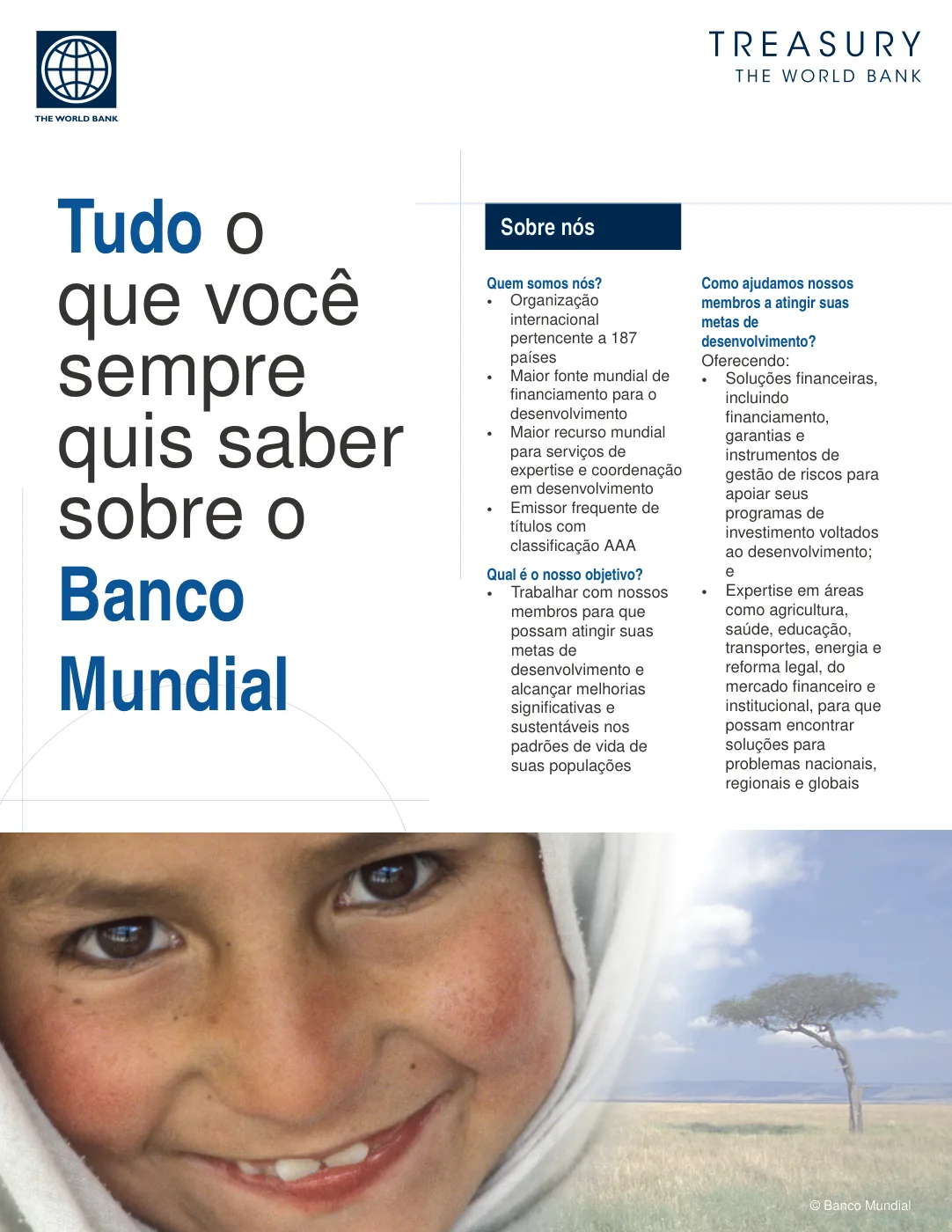
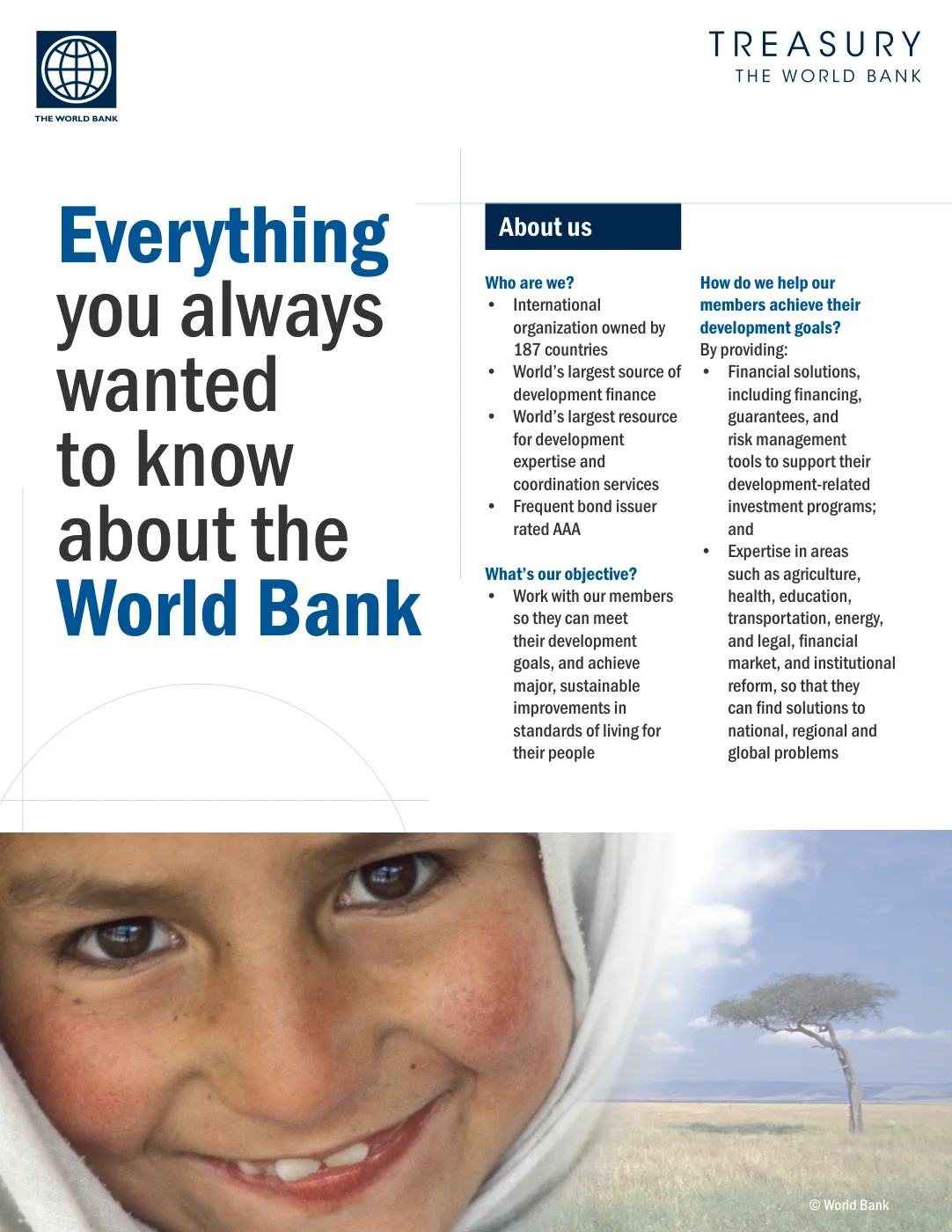
What VibeQL translates in each format
Word documents
Body text, headers and footers, footnotes, endnotes, comments, SmartArt and chart labels. Styles, tables, images and fields stay in place.
PowerPoint decks
Slides, speaker notes, layouts, SmartArt and chart labels. Longer text is fitted back into its box.
PDF files
Text keeps its position, size and colour. Images and vector art are not touched. Longer text uses free space or a slightly smaller size.
Plain text
Line breaks and paragraphs stay as they are. Good for subtitles, exports and notes.
Three steps in the web app
- 1
Upload the file
Drag it into the page or choose it from your computer.
- 2
Choose the language
Pick the target language. The source language is optional.
- 3
Download the translation
You get a file in the same format. It stays available for 24 hours.
Translating many files? Send them to the API or ask your AI agent through the MCP server.
Your files and your data
- Deleted after 24 hours
- Originals and translations are removed automatically. You can delete them earlier.
- Not used for training
- We do not train AI models on your files or text.
- Sent only to translate
- Text goes to AI model providers to produce the translation, and nowhere else.
- Encrypted in transit
- Uploads and downloads use HTTPS. Download links expire after 24 hours.
Read the privacy policy.
34 target languages
- Arabic
- Bulgarian
- Czech
- Danish
- German
- Greek
- English (British)
- English (American)
- Spanish
- Spanish (Latin American)
- Estonian
- Finnish
- French
- Hungarian
- Indonesian
- Italian
- Japanese
- Korean
- Lithuanian
- Latvian
- Norwegian (Bokmål)
- Dutch
- Polish
- Portuguese (Brazilian)
- Portuguese (European)
- Romanian
- Russian
- Slovak
- Slovenian
- Swedish
- Turkish
- Ukrainian
- Chinese (Simplified)
- Chinese (Traditional)
Language codes for the API are on the languages page.
Document questions
How long does a document take?
The documents page shows progress while VibeQL works. Time depends on the length of the file and on how many files are in the queue.
What happens to my files after translation?
We delete the original and the translation 24 hours after upload. You can also delete them sooner from the documents page. We do not use your files to train AI models.
Can I edit the translation?
Yes. You download a normal DOCX, PPTX, PDF or TXT file, so you can open and edit it in the same app as the original.
Does it translate scanned PDFs or text in images?
Not yet. VibeQL translates the text layer. Scanned pages, text inside pictures, WordArt and embedded objects stay in the original language.
What happens to fonts in PDF files?
PDF files often carry only the letters they need, so we replace their fonts with fonts that have the same character widths. Word and PowerPoint files keep their own fonts.
How big can a file be?
Up to 10 MB and 10 pages on the Free plan, and up to 50 MB and 300 pages on Pro and Team.
Translate your first document free
The Free plan includes 3 documents a month, up to 10 pages each. Sign-up opens soon; join the list and we email you.
See pricing